
A look inside the app
One missing chart. Several connected stories.
Welcome to Mistmarch, our fictional example Realm. Cartographer Mira Fenn is looking for a sea chart. Follow this small adventure to see how you can prepare for your game. The pictures come from the app and show our sample content.
01 / 07
1. Give the character an entry.
Mira’s entry records who she is, what she wants and which information belongs to her. Places and factions get entries of their own, so the same location does not have to be described again for every character.

02 / 07
2. Make the connections visible.
Mira lives in Greyharbor and works for the Archive Circle. Record these relationships on their entries. The World Graph then shows how the three connect. Follow the evidence links back to your notes.

03 / 07
3. Turn a loose thread into preparation.
Collect the tasks around the sea chart in a Quest. Create a Session for your next game and add your plan and the main points for the evening. After the game, add a recap.

04 / 07
4. Give a handout its own layout.
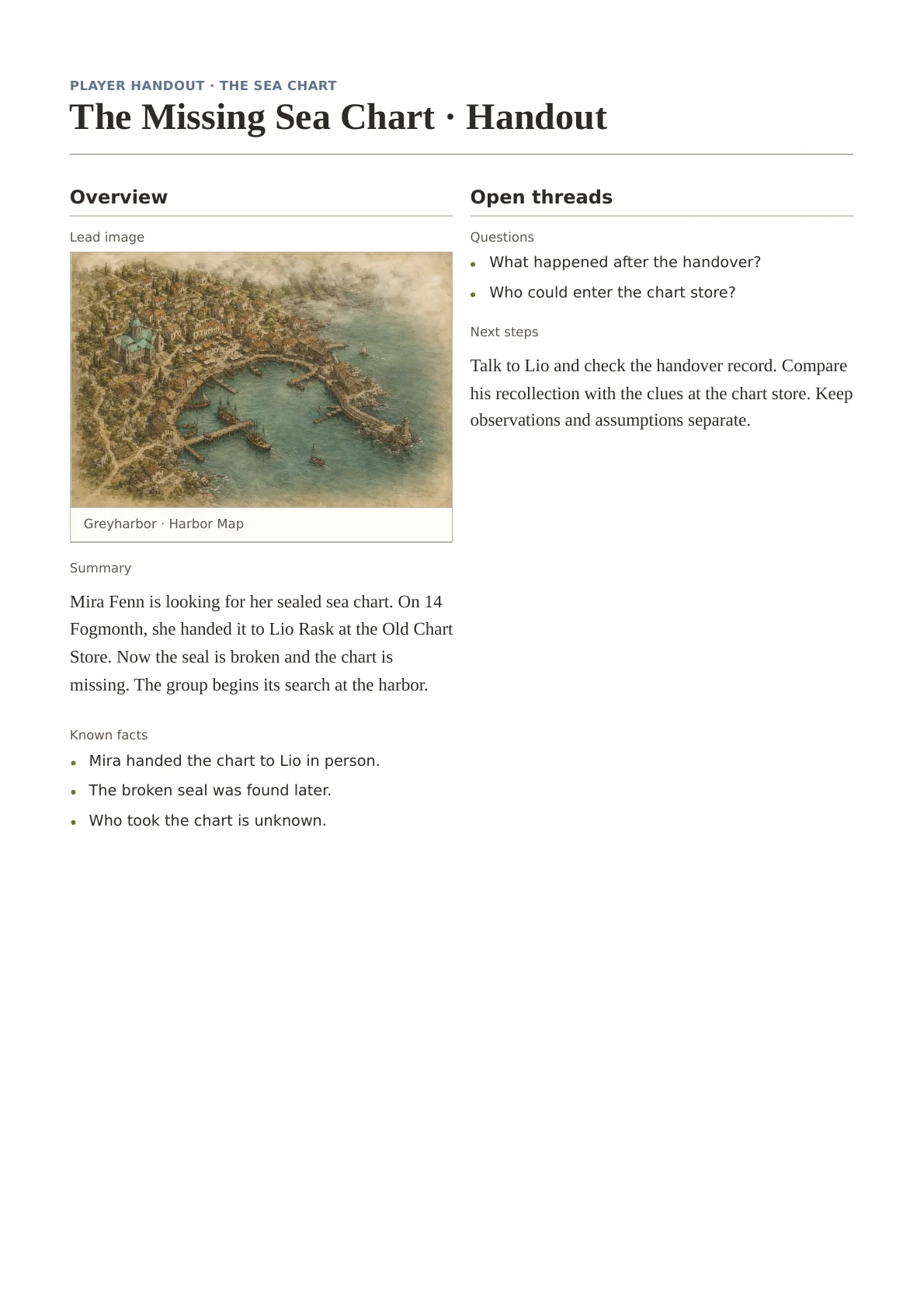
A Page turns the request into a handout. A Profile holds Mira’s character details. Both start from templates you can design in the builder. Open it in fullscreen and arrange the fields in rows and columns. The feature is still experimental.
05 / 07
5. Share only what you select.
Review which content will be shared. The recipient imports it into a Realm of their own, either as a copy or with a connection to the source. This does not open your entire Realm to them. Working together in one Realm is a separate step.

06 / 07
6. Ask your Keeper.
You can ask your Keeper about the missing chart too. The example shows his actual answer and the sources behind it. You can do all the preceding steps at your own pace, without his help.

07 / 07
7. Work together or open a reading window.
When you want to build the same Canon together, invite people from your Fellowship as Authors or Readers. Authors write in the Realm, Readers follow along.
When a world is ready to be seen, public reading opens the saved content without an account. Editing, the Keeper and personal areas are closed. You can switch public reading off again at any time.
A home for your Realm
There’s already room for your first story.
Create your first Realm, add two characters and record what connects them. Your Atlavium can grow with your stories. Compendium features will remain free within your granted allowances.