
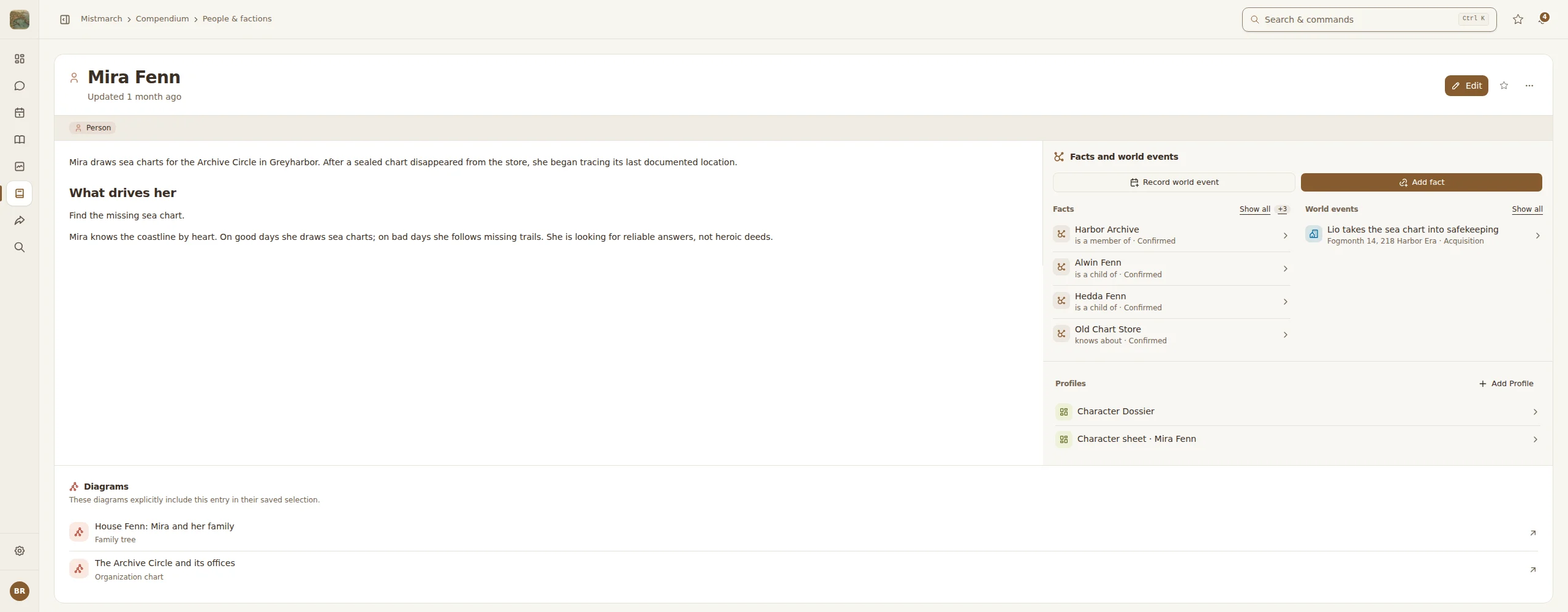
This time I reworked Atlavium for the desktop. On large screens from 1080p upwards, and on 1440p in particular, not everything has to be stacked underneath everything else: directory and preview, notes and Quests, or a record and its connections now share the space. You see more of your world and scroll less for it.
Every tool and every workflow stays where you know it, and now uses the width your window offers: lists, forms and detail views spread across the space that is there. When the window gets narrow, everything still falls back into a clean single column.

Sessions, Quests and tasks
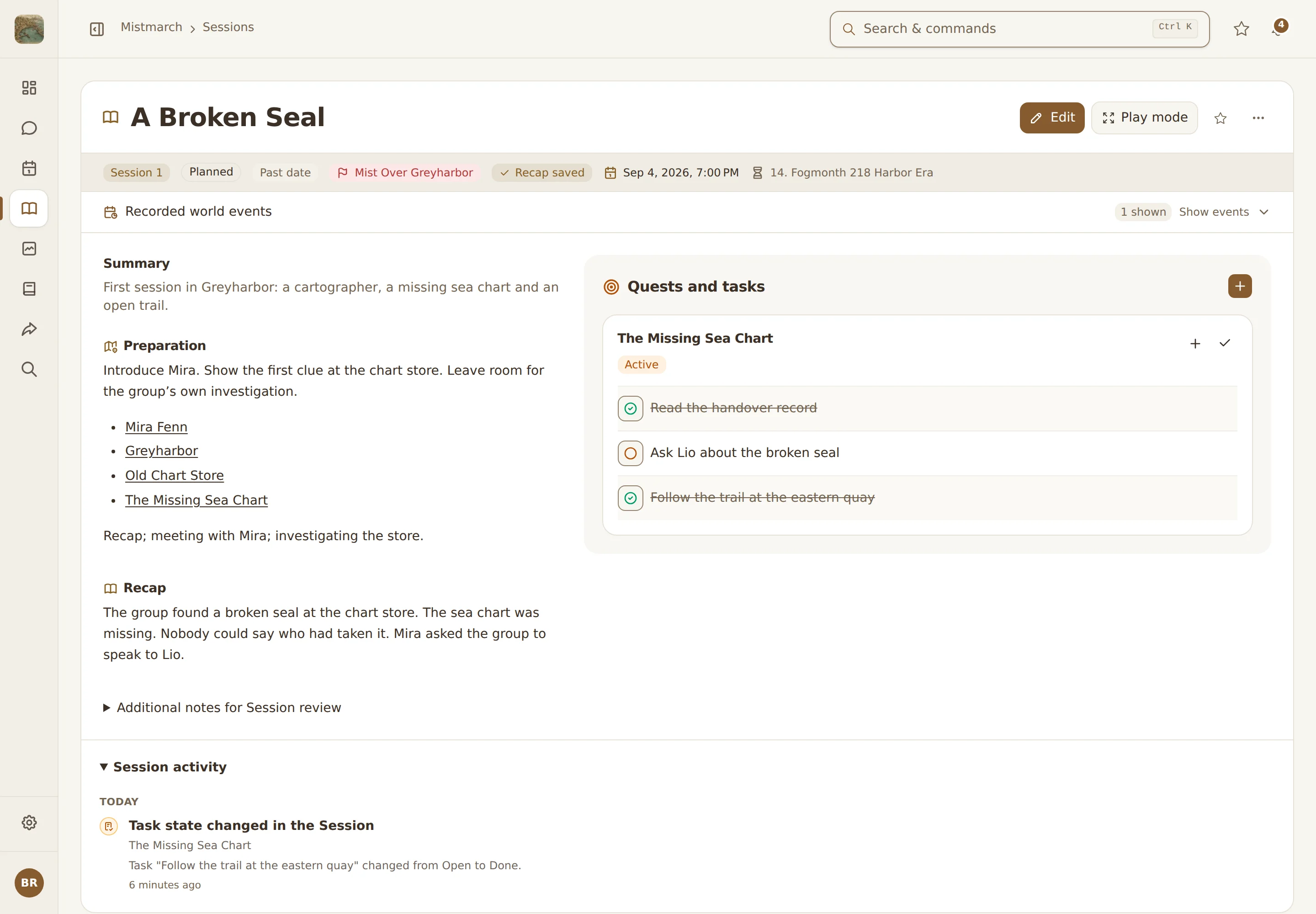
You can now link a Session to its Campaign, which makes that Campaign's Quests and tasks available. During preparation you decide what matters for this evening. During the Session you tick tasks off or reopen them, and the Session activity records every change with its time. That keeps it clear in which Session something happened, and it also shows up in the activity of the Campaign and its Quest.
The Session also tells you where it stands: planned, past date, prepared or with a saved recap. If a step is still missing, such as preparation or reviewing your notes, it offers that step right there. Next to the real-world date you see your world's date. You can read more in Prepare a session and campaign management.

Play mode
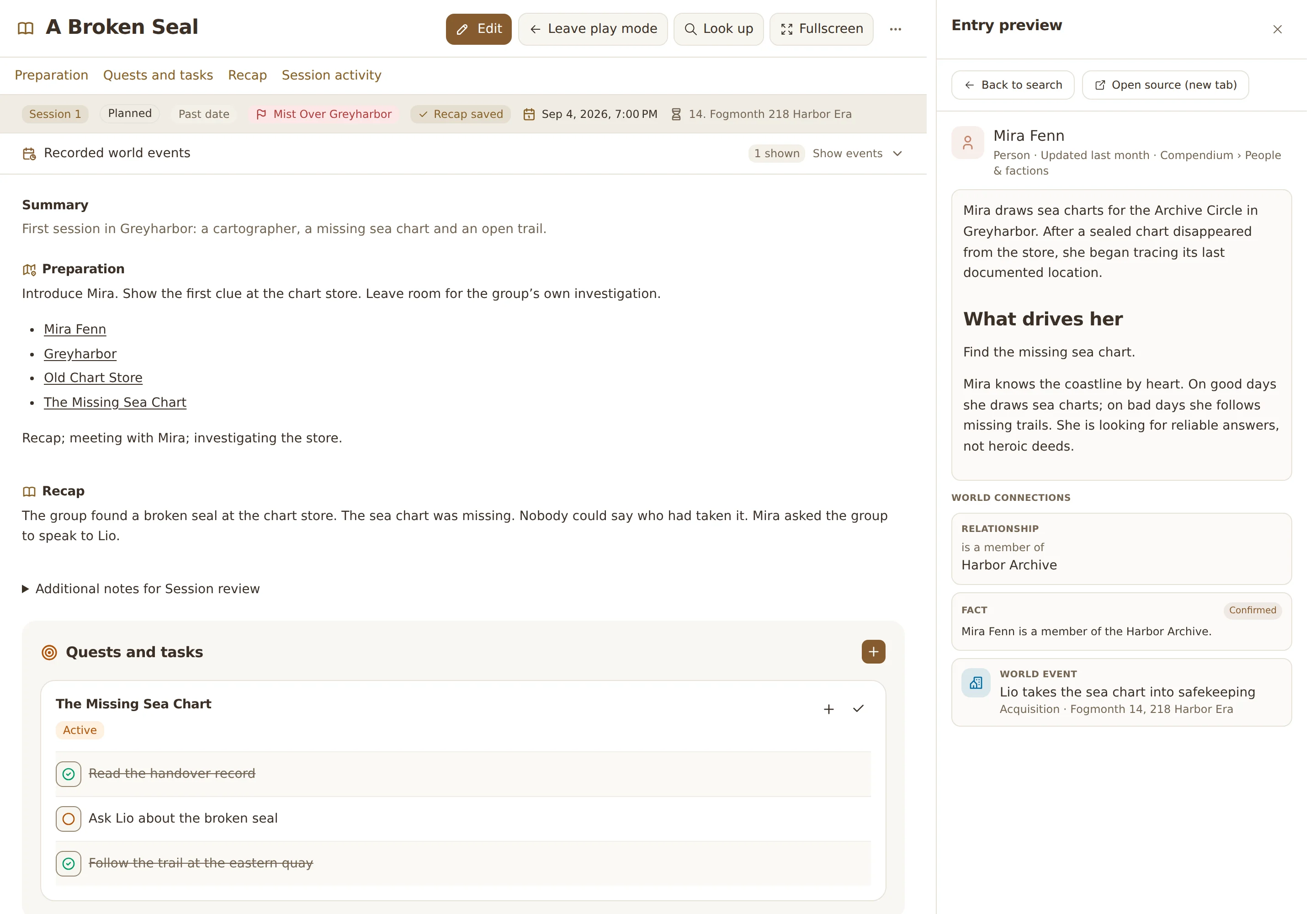
For the evening itself there is Play mode. It hides what you do not need right now and leaves the notes of your Session in place: summary, preparation and recap stay within reach, with the Quests and tasks of the evening in between.
In the sidebar, Look up opens a quick search across your whole Realm. Every result shows an extended preview with description, connections and world events, and you read it beside the Session without leaving the page. Who was Lio Rask again? What did the preparation say about the sealed sea chart? Look it up, read it, keep playing.

Pages, Profiles and faster uploads
Pages and Profiles changed as well: when the game reveals where a Profile belongs, you can move it between World Entities now. And when I develop a Page template further, an existing Page reports the new revision to you. You take your time with the new fields and the layout, add any new required values, and apply the update only when you are ready. Your existing values stay as they are, and drafts survive the update. The Pages and Profiles page explains how they fit together.
Last but not least, some invisible work: the document converter behind your uploads has been brought to a new revision. Documents are now ready noticeably faster after uploading.
New
- More space on large screens: From 1080p upwards, and especially on 1440p, related content sits side by side instead of piling up: directory and preview, notes and Quests, content and its connections.
- Quests and tasks in Sessions: Link a Session to its Campaign and pick what matters for the evening during preparation. The Session activity records what was completed or reopened during the Session.
- Play mode: A focused workspace for game night: Session notes in view and Look up with an extended preview right next to them.
- Session status: The Session shows its state (planned, past date, prepared, recap saved) and offers the next step. Its world date sits right next to the real-world date.
- Move Profiles: A Profile can move between World Entities when the game settles where it belongs.
- Template updates: An existing Page shows when its template has been developed further. After your review it adopts the new revision, and values and drafts are kept.
Changes
- Faster document uploads: The document converter in the background was updated. Documents are ready noticeably faster after uploading.
- Search and command palette: Both were reworked and fit into the tidier navigation.
Fixes
- Markdown editor: The writing area and its presentation in small windows were corrected.
- Search: Direct title matches now rank ahead of less fitting results.
This kind of work is never quite finished. If you notice a spot that still feels rough, or if you miss a feature: come and have a chat with me on Discord. And now enjoy the wider workspace. Your Atlavium is waiting.